Radia for Live / Press kit
Press
Press kit
Radia for Live is a radial device menu for Ableton Live 12 on Mac and Windows: double-tap Shift, click, and the device is on your track.
Everything here is free to use in videos, articles and reviews of Radia for Live. If you need something that isn't here, email livsey@livsey.studio.
Video
Short description
Radia for Live puts a wheel of your devices, plugins and racks under the cursor in Ableton Live 12. Double-tap Shift, point and click, and it's on the selected track. Typing searches everything installed, hotkeys load favourites, and typed shortcuts such as hp200 set devices up as they load. £6.50 once, Mac and Windows.
Long description
Radia for Live is a radial menu for loading devices in Ableton Live 12, on Mac and Windows. Double-tap Shift and a wheel of your devices, plugins and racks opens under the cursor. Point at one and click, or press its number, and it lands on the selected track. There's no browser to open and nothing to drag.
Start typing on the wheel and it becomes a search over everything installed: Live's devices, VST3, VST and AU plugins, and the racks and Max for Live devices in your User Library. Typed shortcuts load a device already set up, so hp200 gives you an EQ Eight with a high-pass at 200 Hz and gain-3 a Utility at -3 dB. Favourite devices and shortcuts can each have a hotkey of their own, which only fires while Live is in front.
The wheel is yours to arrange. One click builds it from what you load most in Live, right-click swaps any slice, and Radia offers to add things you keep loading. Its look can be changed too: flat, glass, embossed or 1-bit, with your own accent colour, roundness and opacity.
A small helper inside Live loads devices through Live's own browser, so loading is instant. Radia costs £6.50 once, with no subscription or account. The free download is the full app, with 30 opens of the wheel to try it.
Features
- Double-tap Shift. A wheel of your devices, plugins and racks opens under the cursor, and one click puts the device on the selected track.
- Search everything installed. Start typing on the wheel to search Live's devices, your VST3, VST and AU plugins, and the racks and Max for Live devices in your User Library.
- Typed shortcuts. Type hp200 for an EQ Eight with a 200 Hz high-pass, verb35 for Hybrid Reverb at 35% wet, or dly1/8 for a synced Delay.
- Hotkeys for favourites. Give any plugin, rack, Live device or shortcut a key of its own, which only fires while Live is in front.
- Built from your sets. One click reads what you load most in Live and puts your five most-used devices across the top of the wheel, with folders of the rest below and Live's own devices filling any gaps.
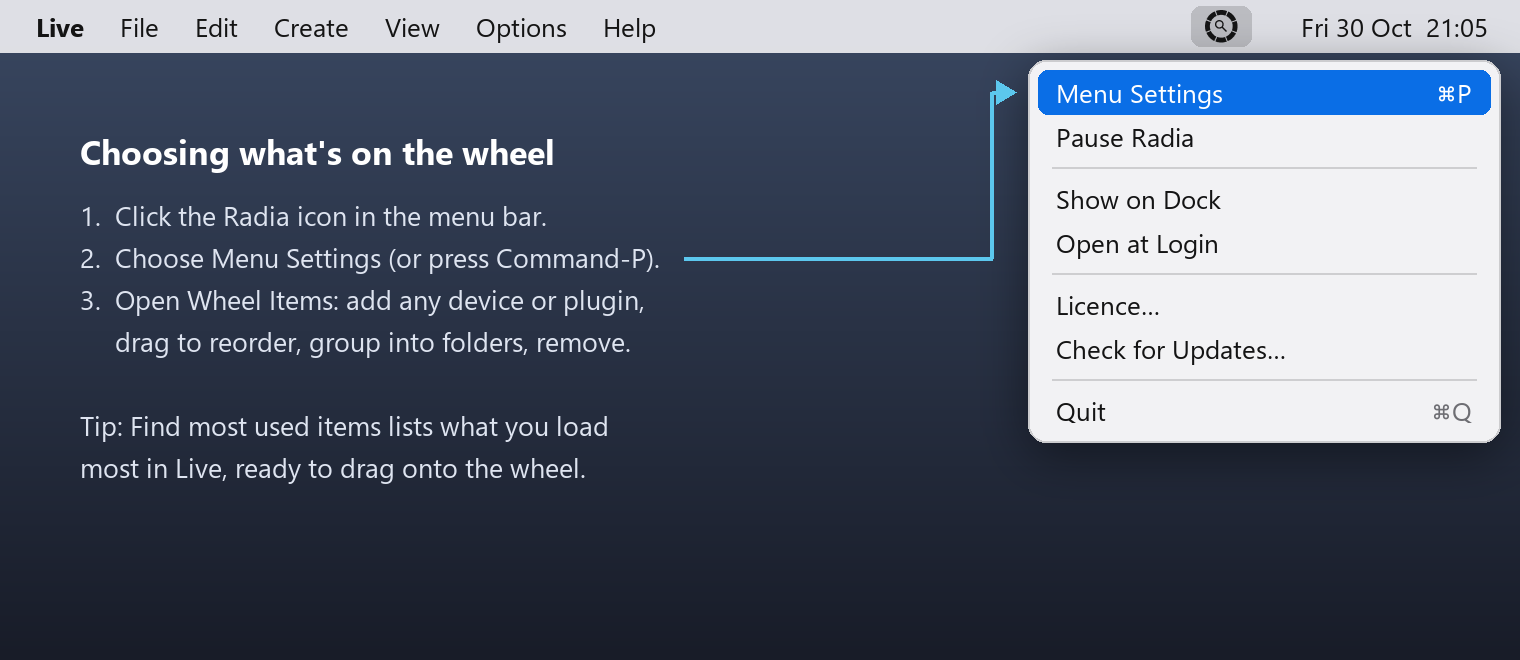
- Your look. Choose flat, glass, embossed or 1-bit, and set the accent colour, roundness and opacity in Menu Settings.
Fact sheet
- Product
- Radia for Live
- Current version
- 1.2.0
- Maker
- Oliver Livsey (independent, not affiliated with Ableton)
- What it is
- Radial device menu and plugin search for Ableton Live
- Platforms
- macOS 13 Ventura or newer (Apple Silicon and Intel); Windows 10 and 11 (64-bit)
- Ableton Live
- Live 12. Live 11 mostly works but isn't officially supported (Roar, Meld and a few shortcuts need Live 12)
- Price
- £6.50, one payment, no subscription, no account
- Trial
- The free download is the full app, with 30 opens of the wheel (each wheel open or hotkey counts as one); enter a licence key at any point to carry on
- Licence
- One key covers Mac and Windows, on up to 3 of your own computers in any mix
- Updates
- Free updates for version 1, installed in one click from inside Radia
- Refunds
- 14 days, no questions asked
- Language
- English
- Privacy
- No account and no tracking in the app
- Website
- radiaforlive.app
- Support
- support@livsey.studio
- Press
- livsey@livsey.studio
Logos and images
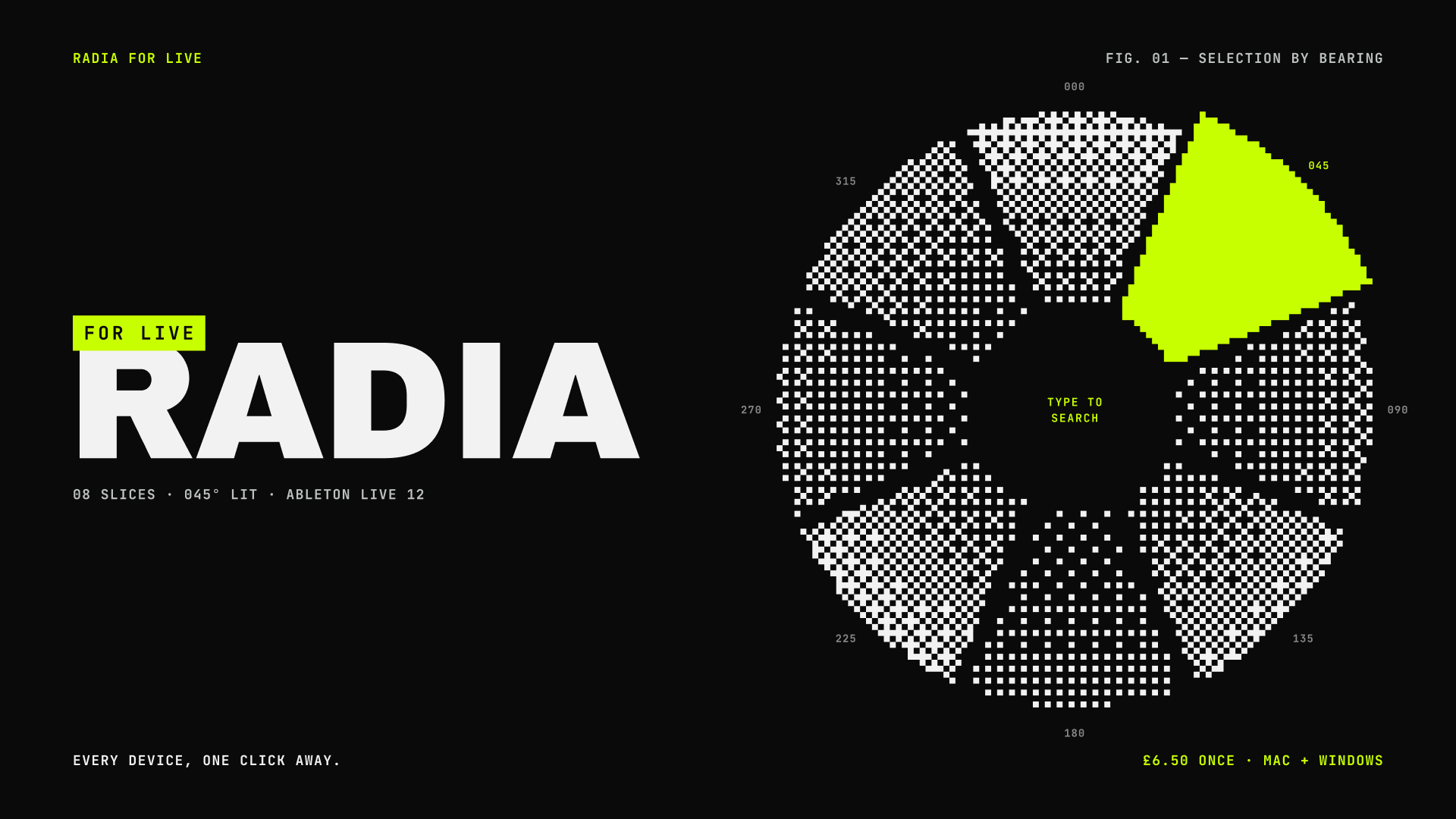
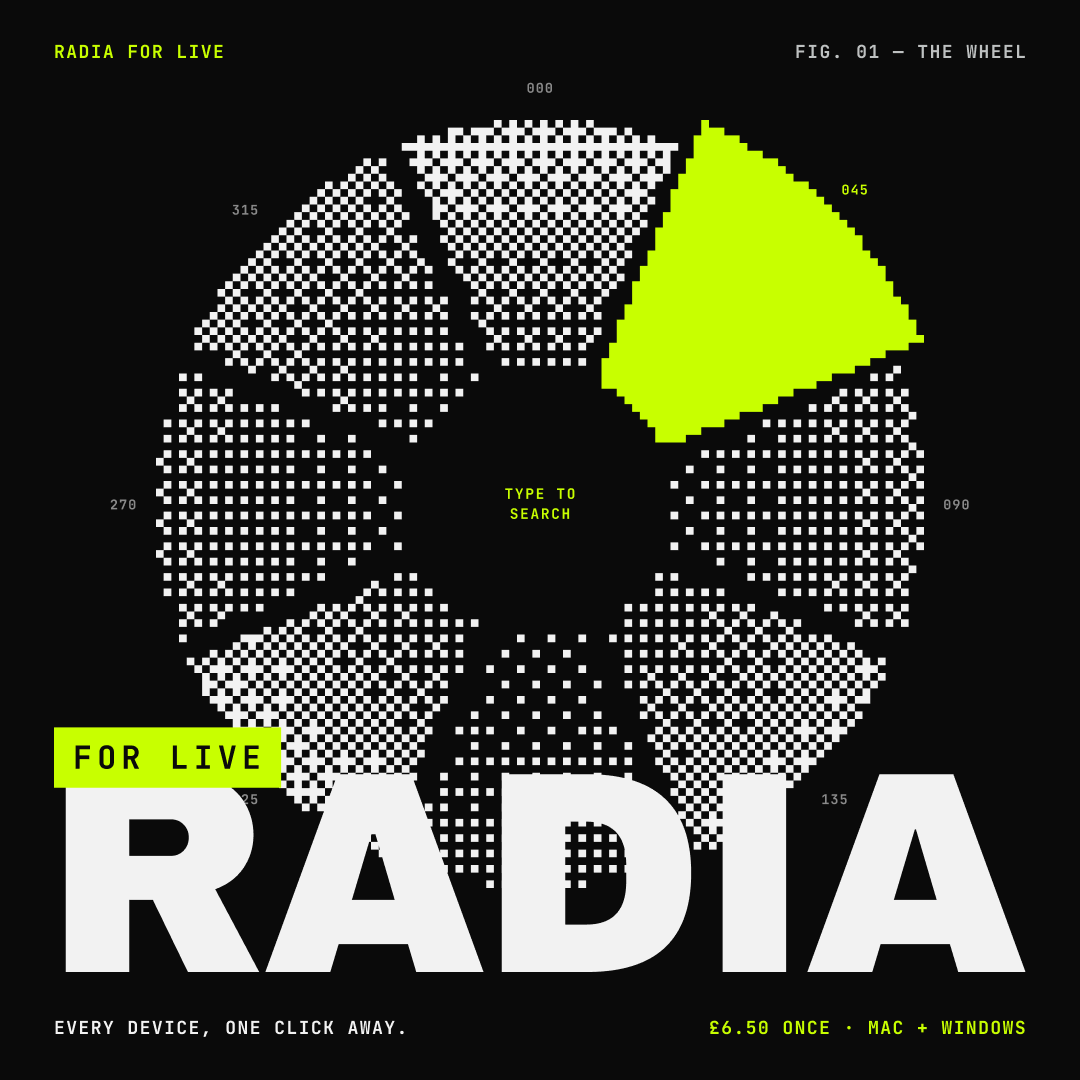
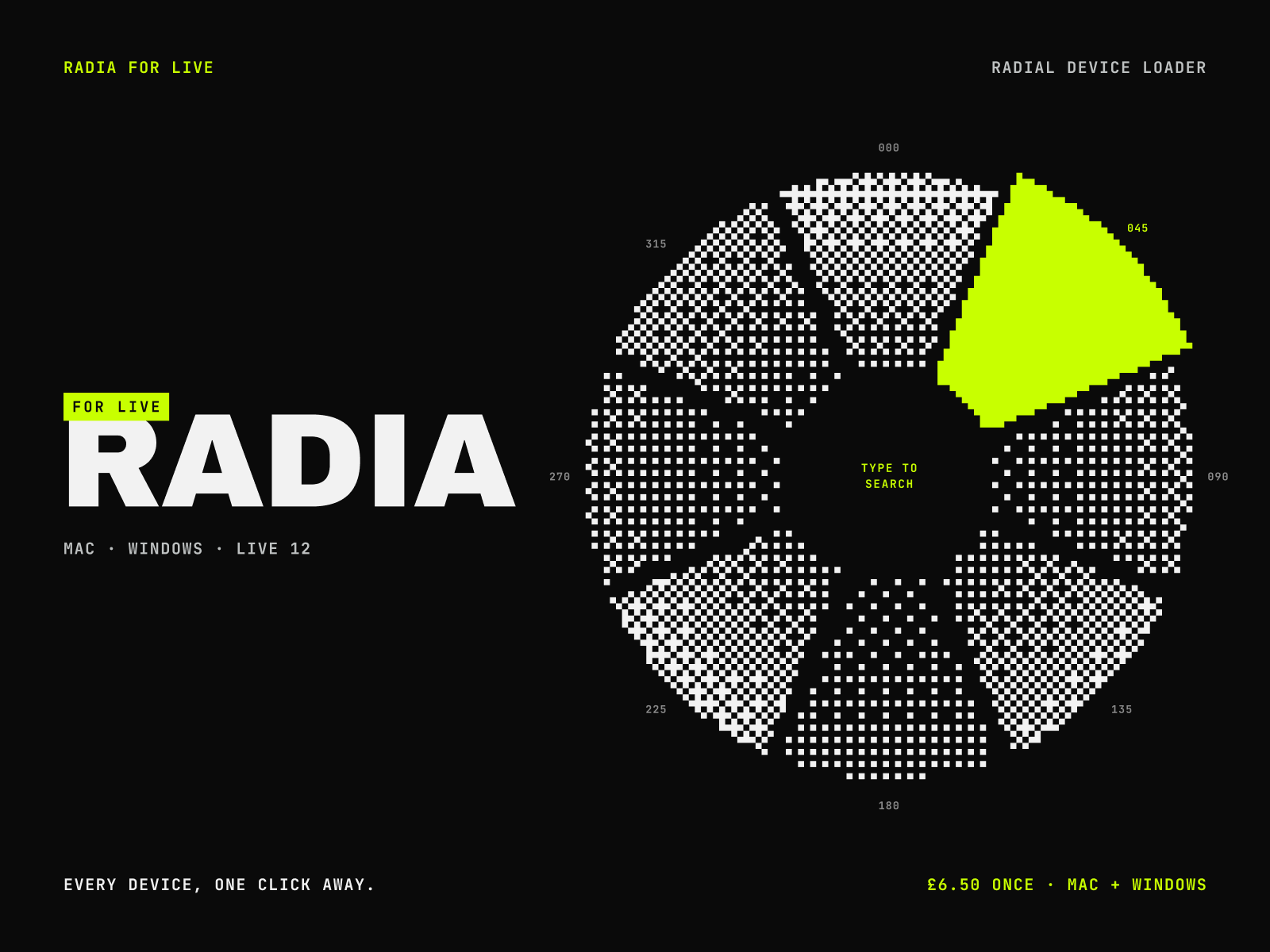
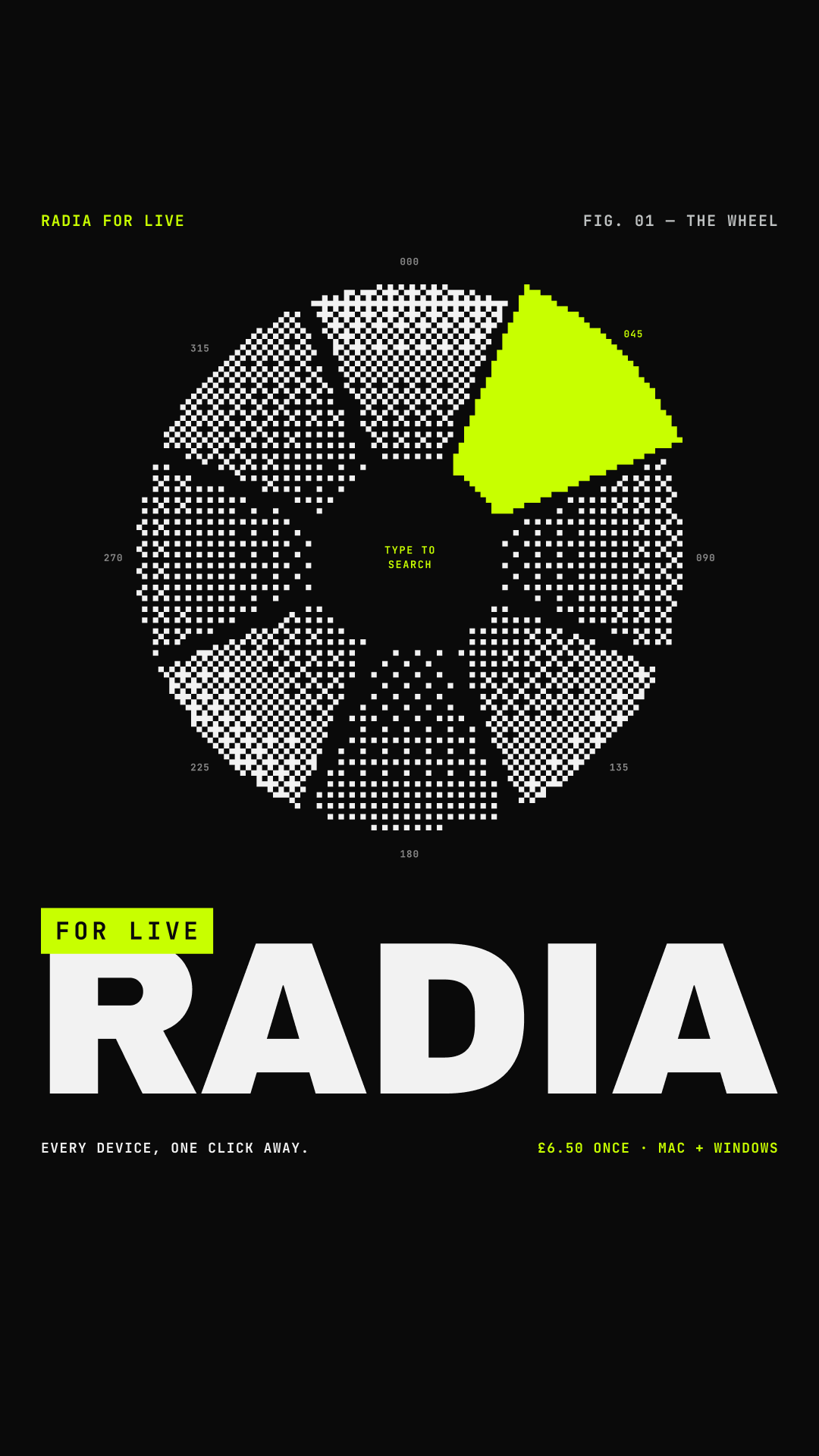


Please keep the wordmark in its own colours, with the lime block intact, on a dark background.
About the maker
Radia for Live is made by Oliver Livsey, who builds and sells it himself. It is an independent product, not affiliated with or endorsed by Ableton, and he answers support and press emails personally.